Available on the App Store

Unsubscribe from
YouTube in bulk.

MassDrop clears out your subscriptions in seconds — no more tapping through hundreds of channels one by one.

Download on the App Store
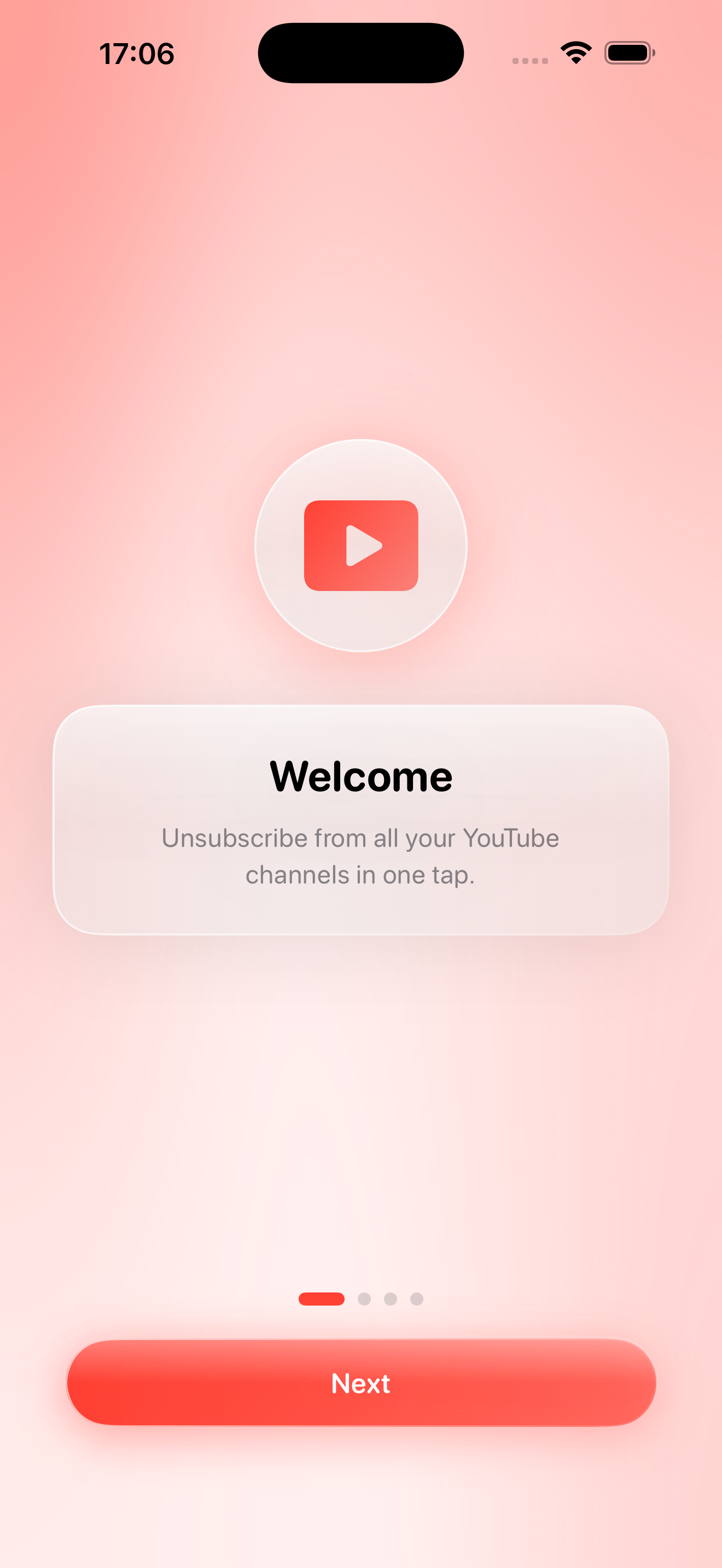
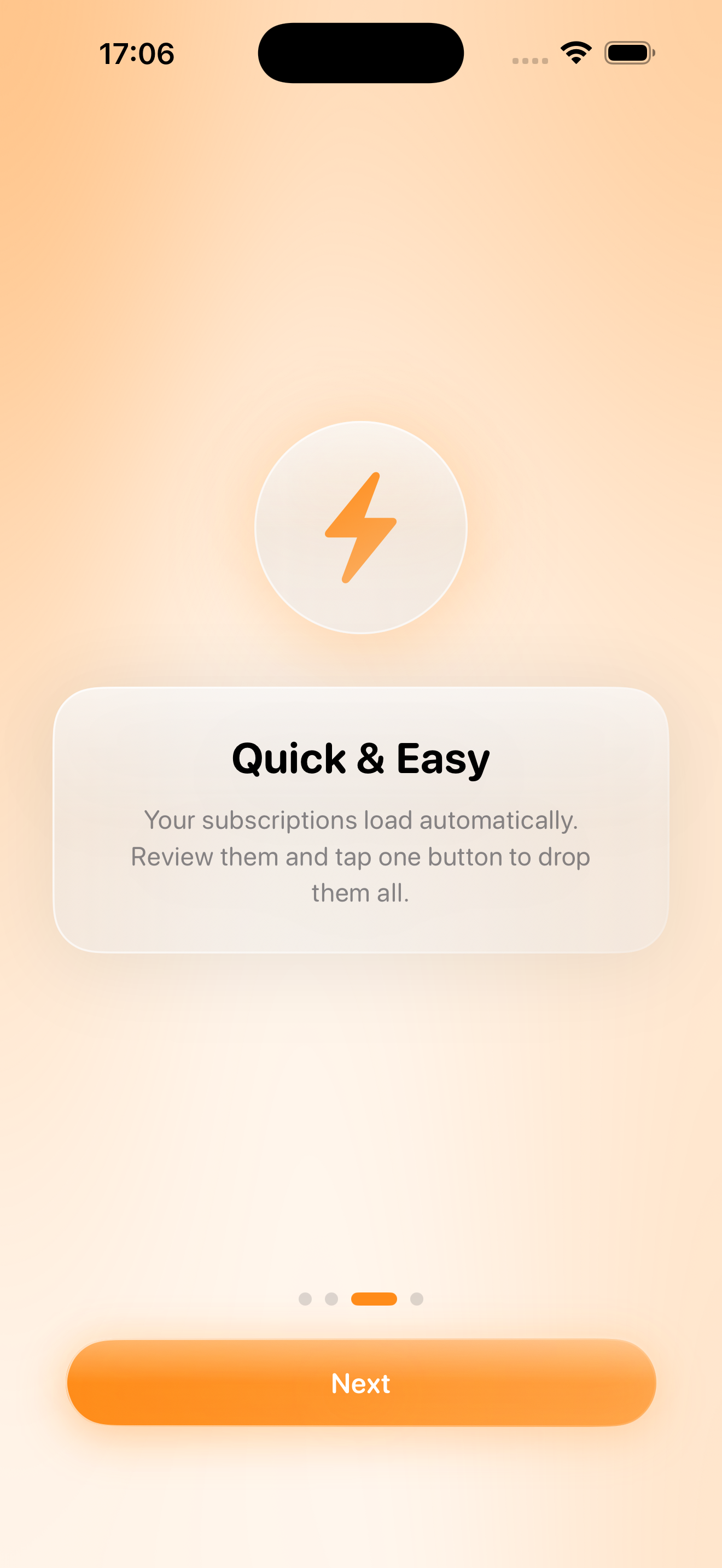
Welcome screen
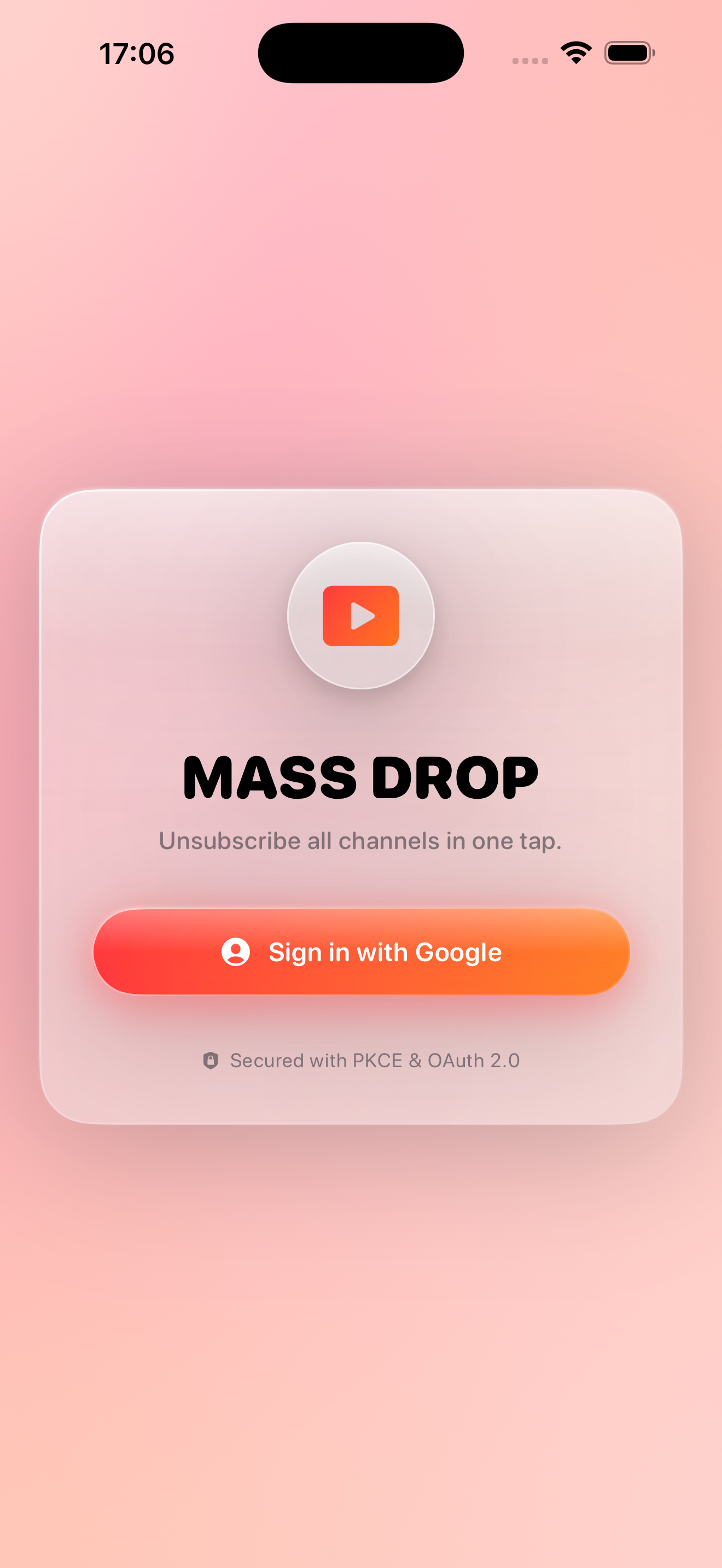
Sign in screen
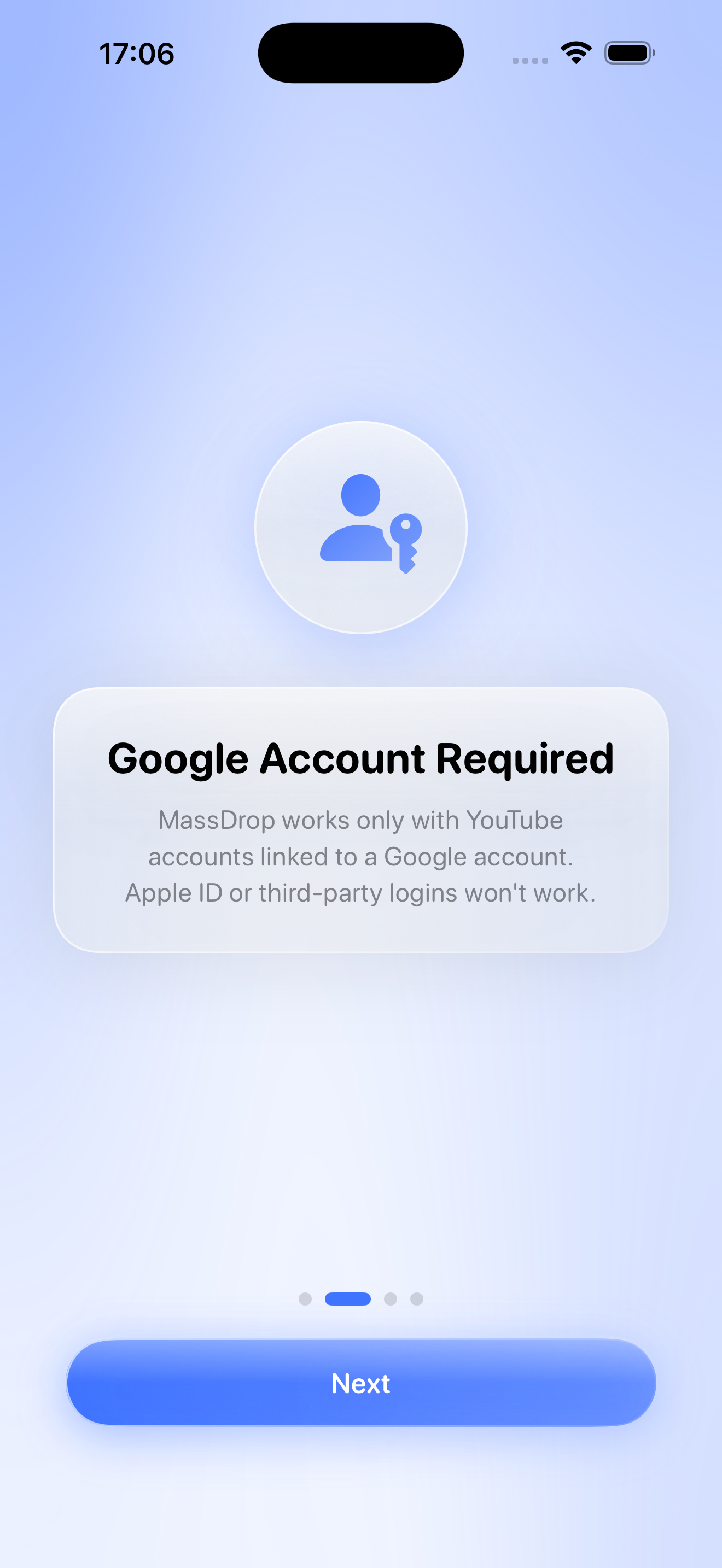
Google account screen
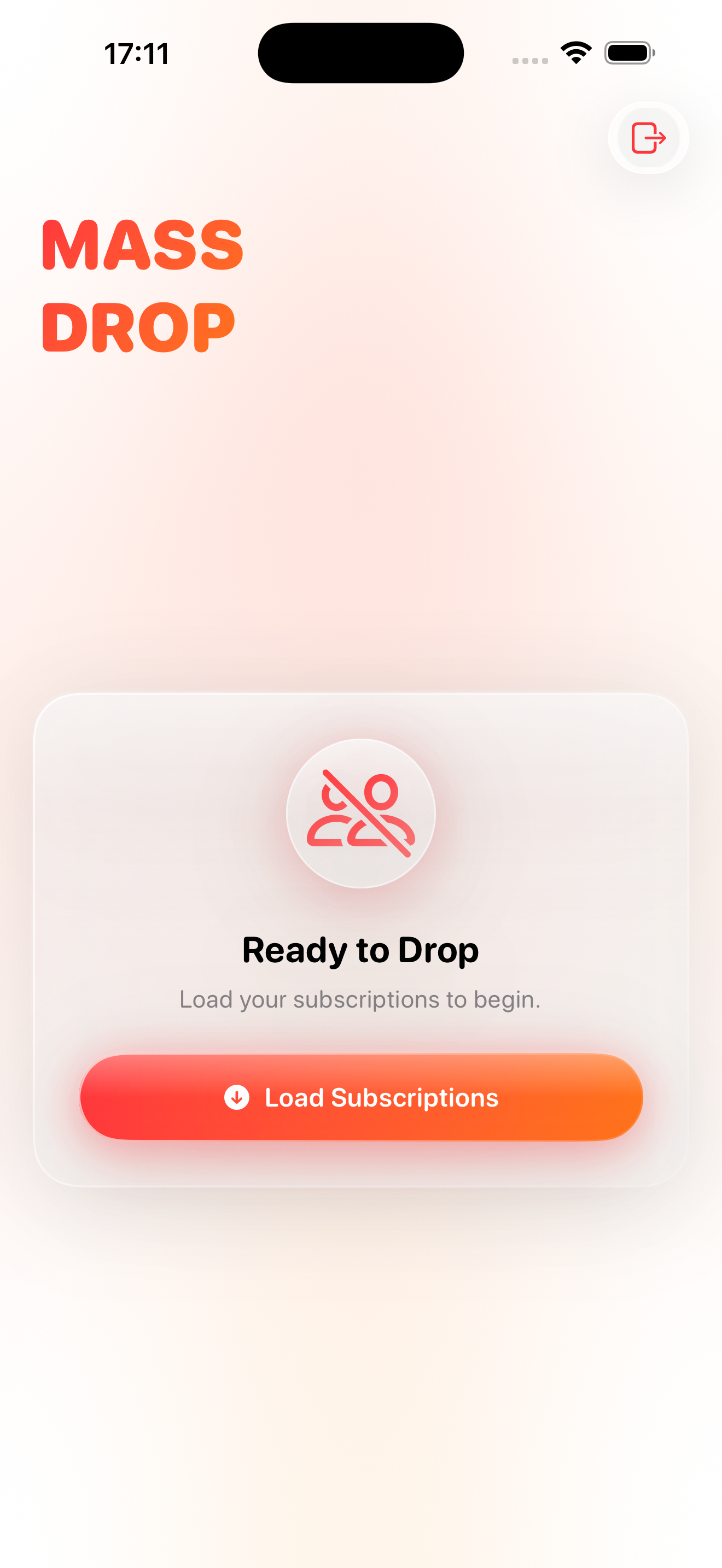
Loading subscriptions
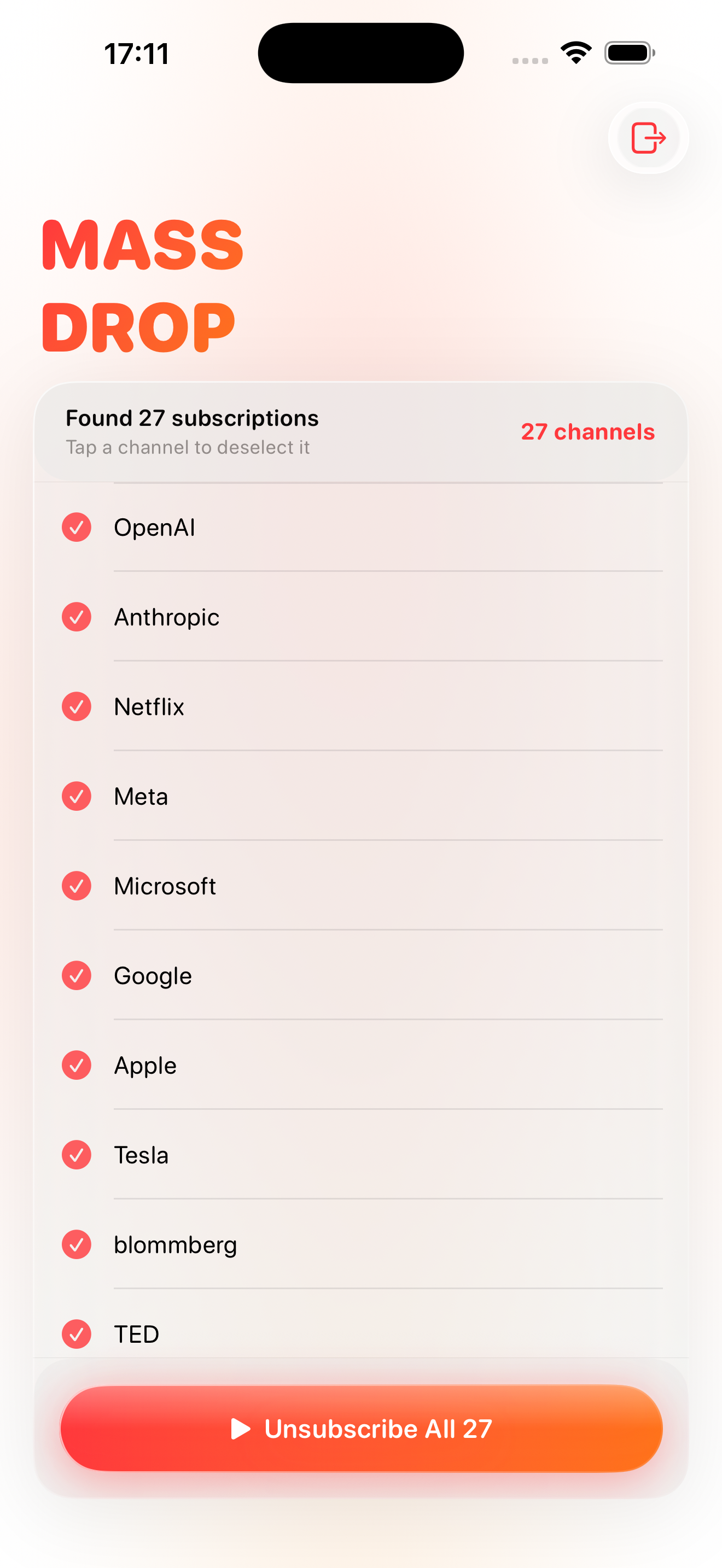
Subscription list
Quick select
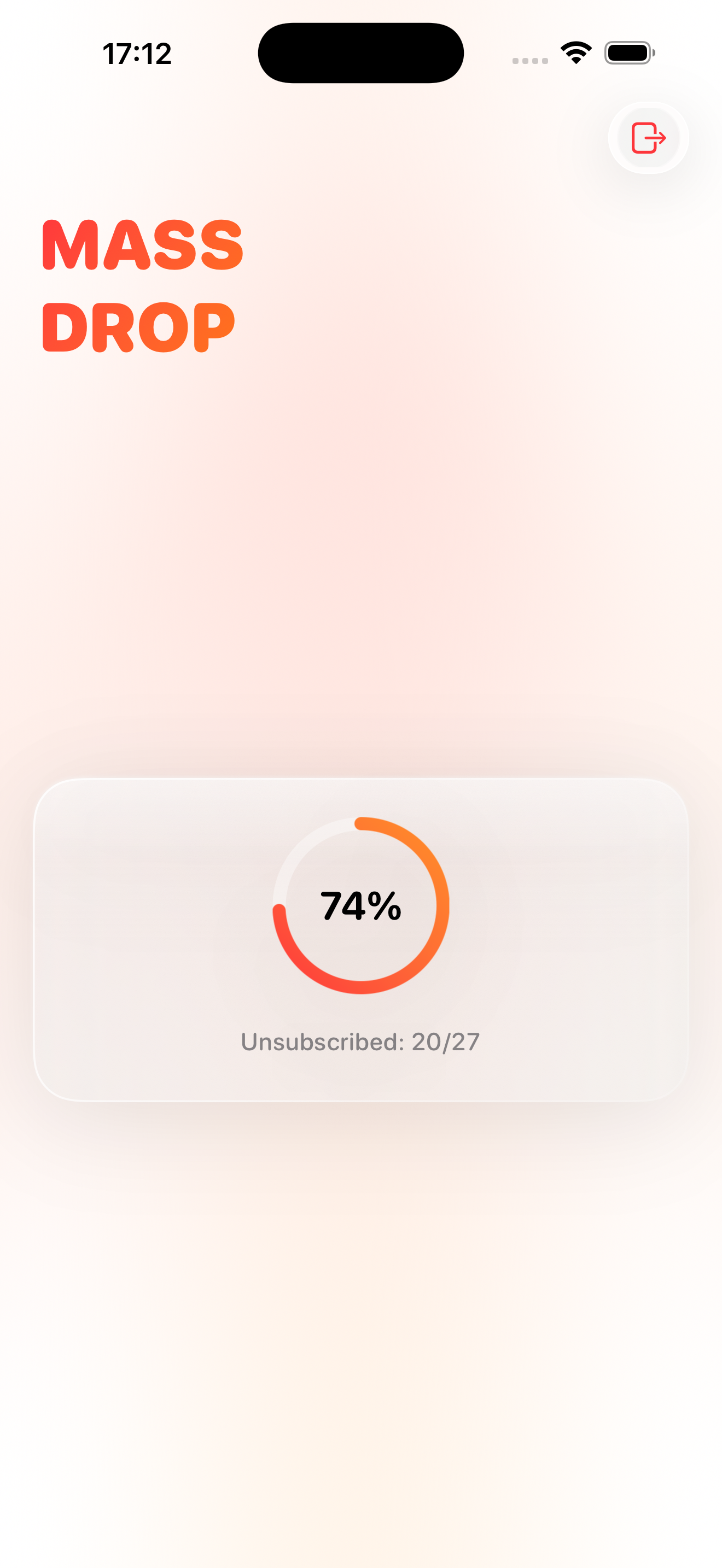
Unsubscribe progress
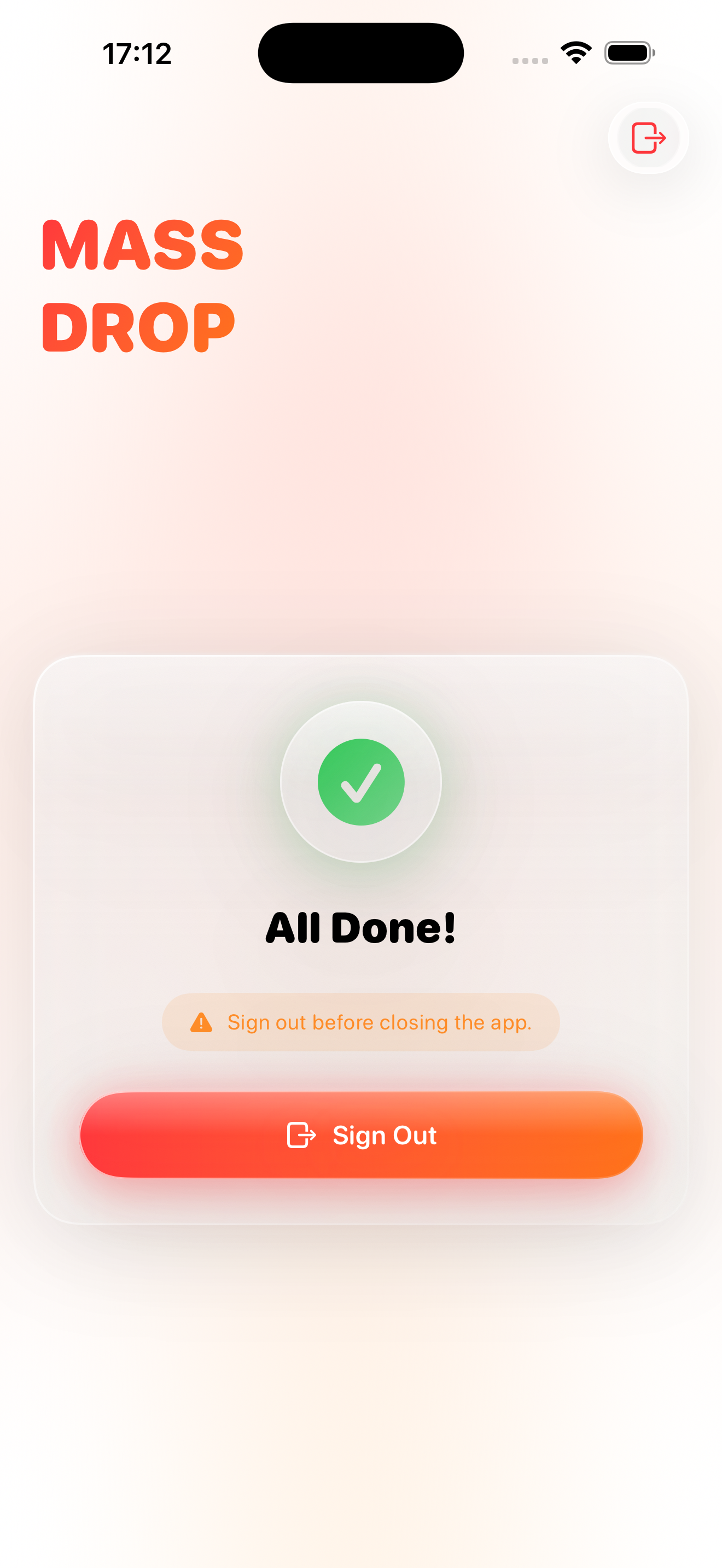
All done screen
How It Works
Clean up your feed
in five steps.
1

Download the App

Get MassDrop from the App Store and open it on your iPhone or iPad.

2

Sign In with Google

Tap Sign in with Google and authorize MassDrop to access your YouTube subscriptions.

3

View Your Subscriptions

The app loads every channel you currently follow — all in one place.

4

Select Channels

Tap the channels you want gone. Select as many or as few as you like.

5

Bulk Unsubscribe

Hit the Unsubscribe button. MassDrop removes all selected channels automatically.

Features
Everything you need,
nothing you don't.

Bulk Unsubscribe

Remove dozens or hundreds of channels at once instead of visiting each page individually.

🔒

Secure Google Sign-In

Authentication is handled entirely by Google's official OAuth 2.0 system. We never see your password.

📱

iPhone & iPad

Native SwiftUI app optimized for all screen sizes — iPhone and iPad, in any orientation.

🎯

Quick Select

Select all or deselect all with a single tap. Fine-tune your list before committing.

📊

Live Progress

A real-time progress bar shows you exactly where you are during a bulk unsubscribe.

🚫

No Ads. No Tracking.

One-time purchase. No subscription. No analytics. No data sold to anyone.

Requirements
What you need to get started.
📱
iOS 13.0 or later

Compatible with iPhone and iPad

🎬
Google / YouTube Account

The account linked to your subscriptions

🌐
Internet Connection

Required to load and manage subscriptions

Built with privacy first.

Your data is used to do exactly one thing: manage your YouTube subscriptions. Nothing else, ever.

FAQ
Common questions.
Is MassDrop safe to use?
Yes. MassDrop uses Google's official OAuth 2.0 login — we never see or store your Google password. You can revoke the app's access at any time from your Google Account settings.
Will YouTube know I used this app?
Unsubscribes are performed through YouTube's official Data API, so they appear exactly the same as if you unsubscribed manually on the YouTube website or app.
Can I undo an unsubscribe?
No — once you unsubscribe from a channel, it cannot be reversed automatically. You would need to manually re-subscribe to any channel you removed by mistake. Please review your selection carefully before tapping Unsubscribe.
How many channels can I unsubscribe from at once?
You can select and unsubscribe from as many channels as you like in one session. Very large numbers may take a few moments to process — a live progress bar keeps you informed.
My subscriptions are not loading. What should I do?
Make sure you have an active internet connection, then try signing out and signing back in. If the issue persists, contact us at info@frozenfoot.net with your iPhone model and iOS version.
How do I revoke the app's access to my Google account?
Go to Google Account → Security → Third-party apps with account access, find MassDrop, and tap Remove Access.
Is MassDrop affiliated with YouTube or Google?
No. MassDrop is an independent app developed by Frozentoew. It is not affiliated with, endorsed by, or sponsored by Google LLC or YouTube. YouTube is a trademark of Google LLC.